
Treat the output as a preview
AI can help compare style directions, but fabric, tailoring, color, and exact real-world fit may still differ from a physical garment.
How to change clothes in photo
Upload a clear person photo, choose a garment or outfit template, and generate a virtual try-on preview without using clothes-removal or identity-changing prompts.
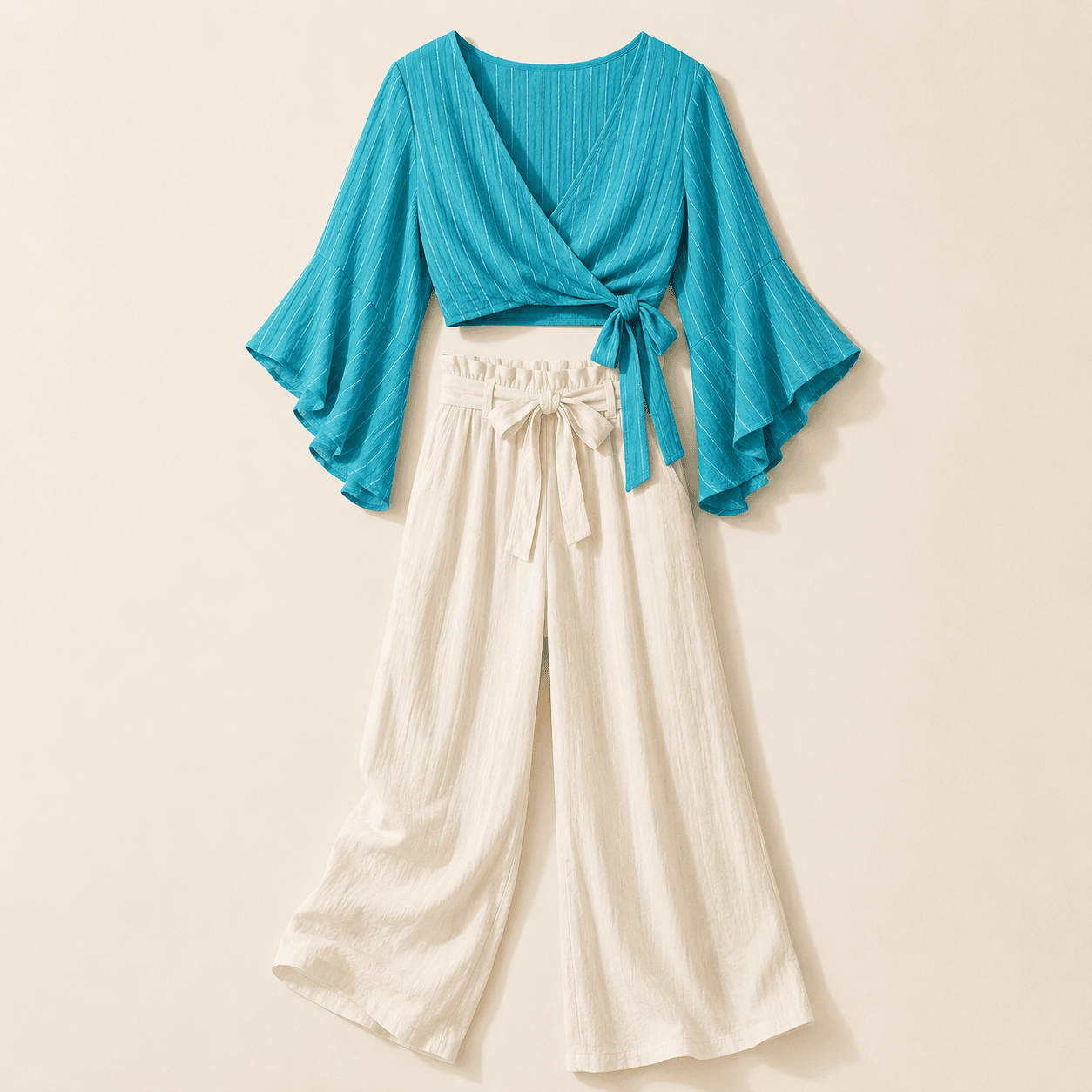
Try it
The answer below explains the workflow, but the same page keeps the actual generation surface close by so the user can act on the advice without hunting through the site.
Quick answer
The fastest workflow is to start with a clear photo, pick the outfit direction, and let AI create a fashion preview while preserving the person's face, pose, framing, and visible body areas.
Steps
Quality and safety
AI can help compare style directions, but fabric, tailoring, color, and exact real-world fit may still differ from a physical garment.
The workflow is designed to keep the face, pose, framing, and proportions stable while changing the clothing style.
The service is for consensual fashion previews and blocks requests outside the Safety and Content Policy.
FAQ
Yes. Upload a photo, choose a clothing reference or template, and generate an outfit preview directly in the browser.
No. Built-in outfit templates are available when you want a fast styling direction. A garment reference is useful when you want to preview a specific item.
The workflow aims to preserve identity, pose, framing, and visible body areas, but output quality can vary by photo, reference, prompt, and model choice.
Credits are designed to be charged after a completed result is saved, not for failed generation attempts.
No. The product is for consensual outfit preview and virtual try-on. Unsupported requests are covered in the Safety and Content Policy.