
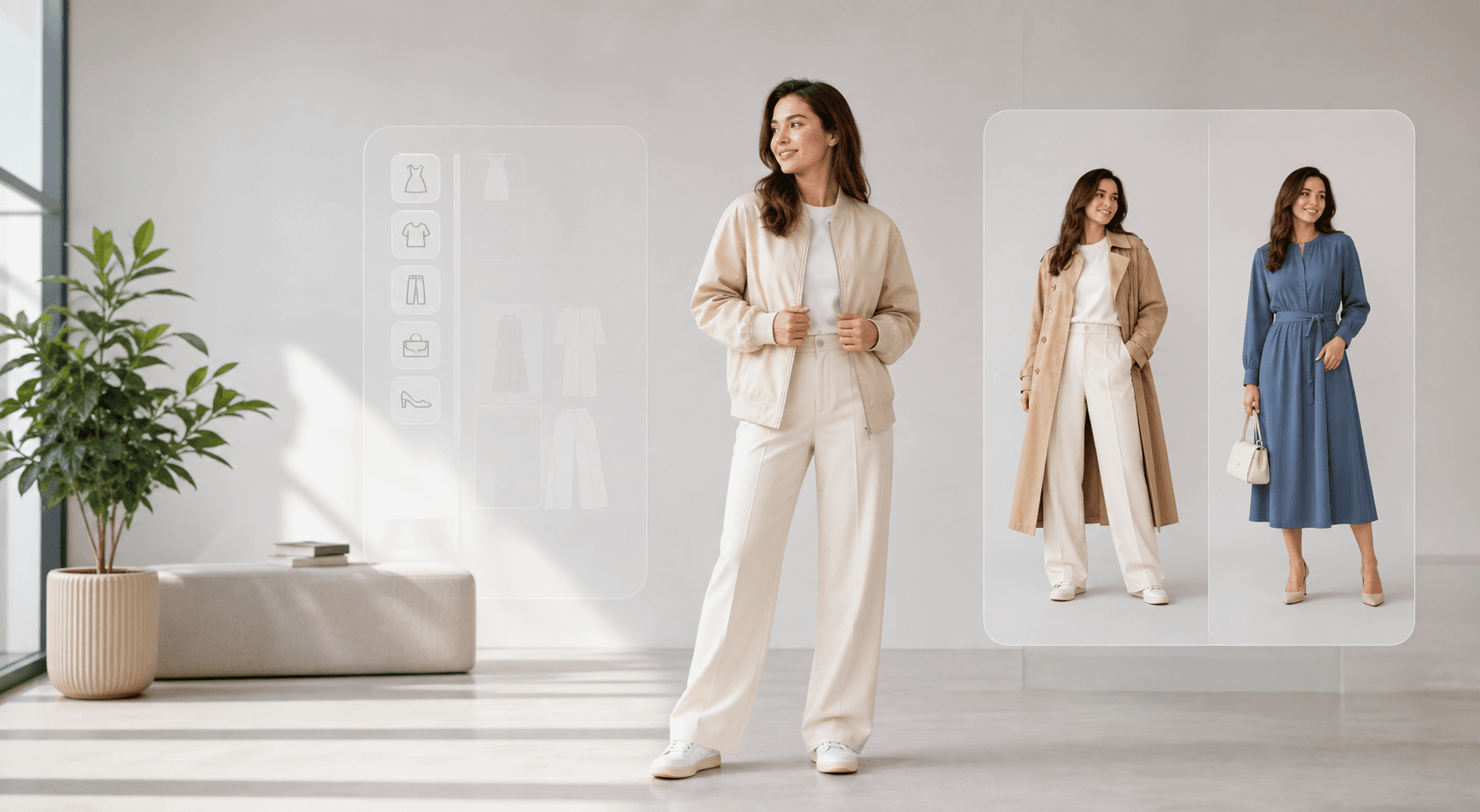
Start with a ready-made outfit direction before writing a detailed prompt.
AI clothes changer
Outfit previews with your own photo. Upload a photo, choose a template or outfit reference, and start with a free Standard preview.
How it works
Check whether the face, hands, pose, and current clothing area are visible enough for a useful preview.
Choose a real garment image for precision or a template when you are still exploring a look.
Use quick previews for idea testing and higher-quality models when the first direction is promising.
Visual examples
The hub should prove the product through images before it asks visitors to read long explanations.
Start with a ready-made outfit direction before writing a detailed prompt.
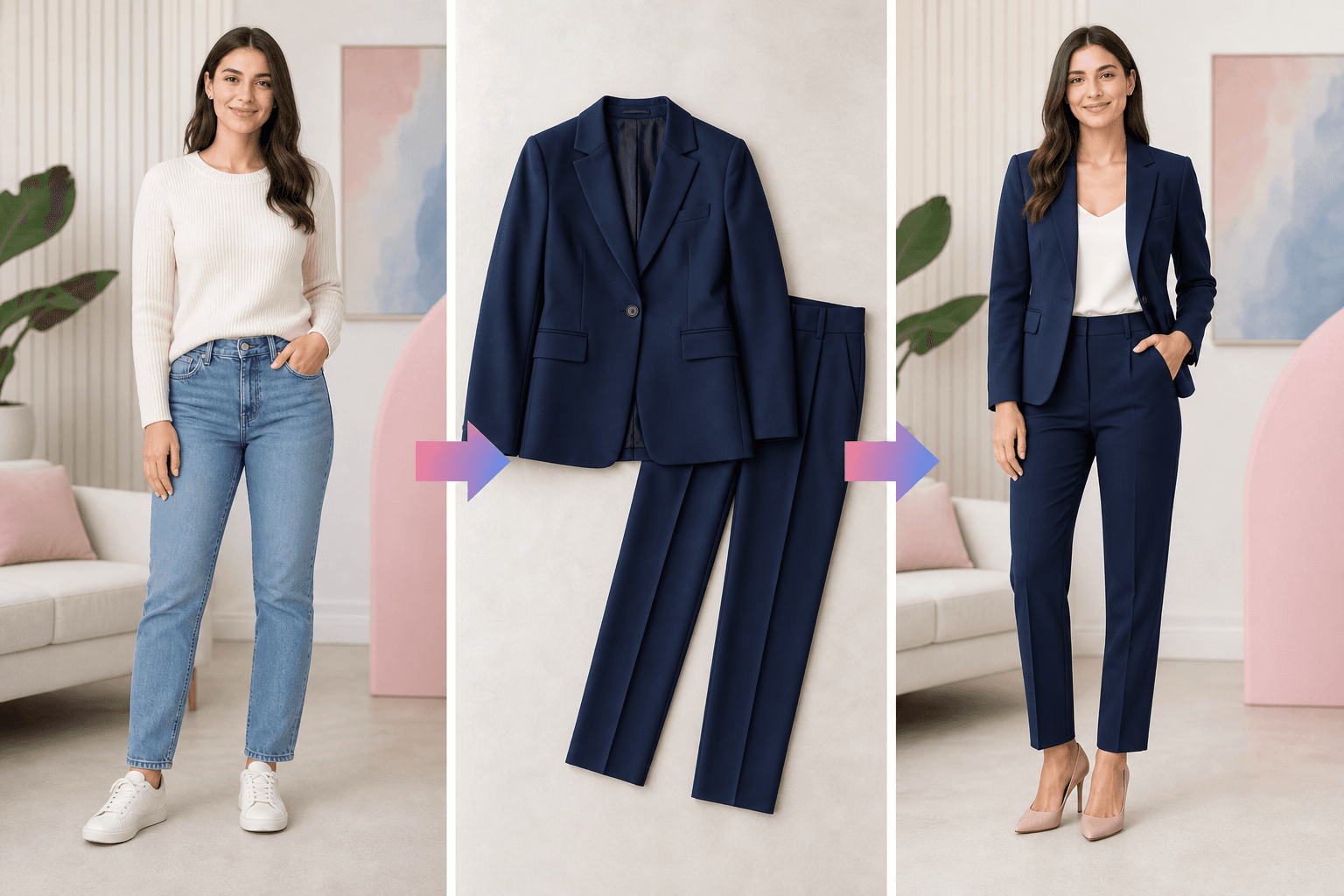
Use a garment or template image when the visual reference matters more than text.
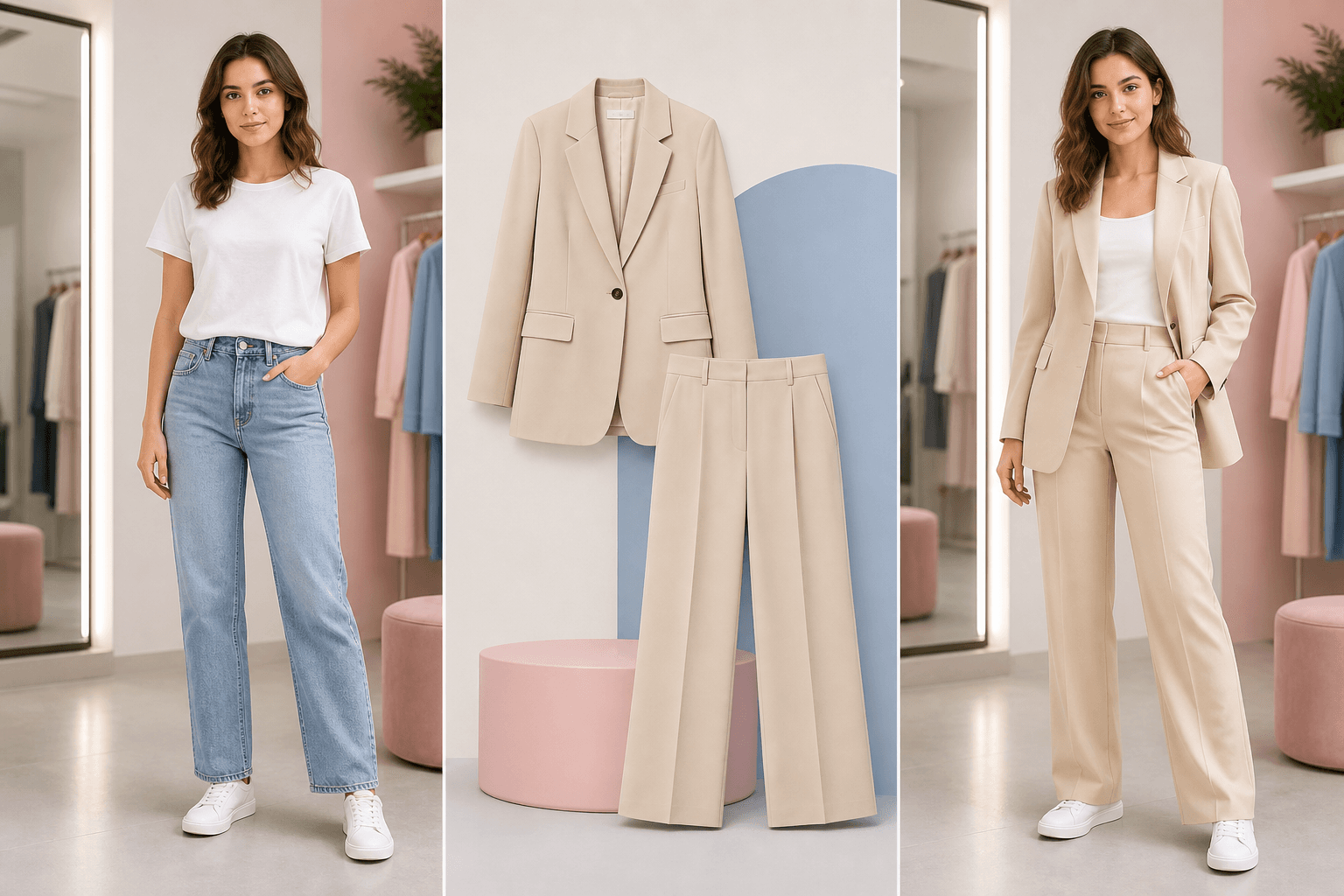
Compare the look as a visual preview, not as a guarantee of physical fit.
Why this page exists
The upload surface, model picker, templates, and credits appear before long-form SEO copy.
Visitors can start from workwear, evening, minimal, guest, streetwear, or vacation looks.
Credits and model tiers stay visible so the page teaches the product while users explore.
Copy steers users toward outfit changes while preserving face, pose, crop, and scene.
Unsupported requests are framed as policy limits instead of hidden in legal copy.
The hub links out to photo edit, outfit planning, virtual try-on, and dress pages.
Deeper product controls
Template looks
A broad clothes changer should remove the blank-page problem. Template looks give users a first direction, while the upload controls still support exact garment references.
Start from the tool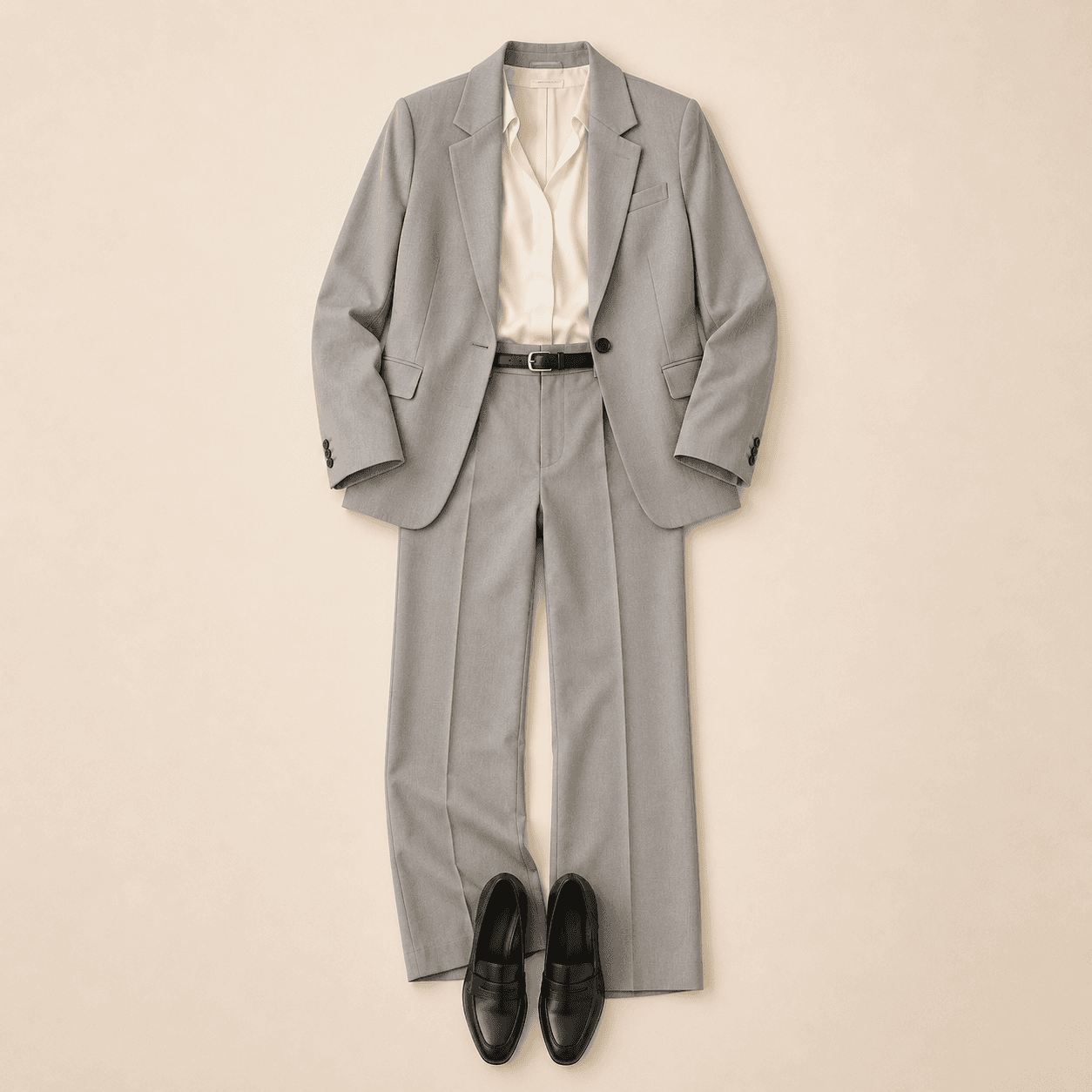
User proof
I can test a work outfit direction before spending credits on a higher-quality pass.
The template grid makes the first try-on feel obvious. I do not need to write a perfect prompt first.
It is clear when to use this page and when to open a more specific dress or product-reference guide.
Practical questions
No. You can upload a garment image when you have a specific item, or start from outfit templates when you only know the general style direction.
Use a template for a broad style direction. Use your own garment image when the exact item, pattern, or silhouette matters.
The prompt and product flow are designed to preserve the person, pose, framing, and scene where possible, but AI output can vary and should be reviewed before use.
Yes, as a visual preview. The result can help compare styles, colors, and outfit direction, but it is not a sizing or tailoring guarantee.
Use this page as the main tool hub. Open the photo-edit, outfit-planning, virtual try-on, or dress page when the task already has a specific context.
The product uses credits. Current pricing and checkout behavior are shown on the Pricing page before purchase.
Next step
Use the AI clothes changer when you are still choosing the right path. If the task is already specific, jump directly into the guide that matches it.