
Usually works better
- Full-body photo with visible legs and dress area.
- Dress reference shows neckline, waist, sleeves, and length.
- Prompt includes event, color, and silhouette preference.
AI dress changer
Compare dress length, waistline, sleeve shape, color, event formality, and how much of the original photo can stay stable.
Dress-specific try-on page for users comparing dress shapes and event looks.
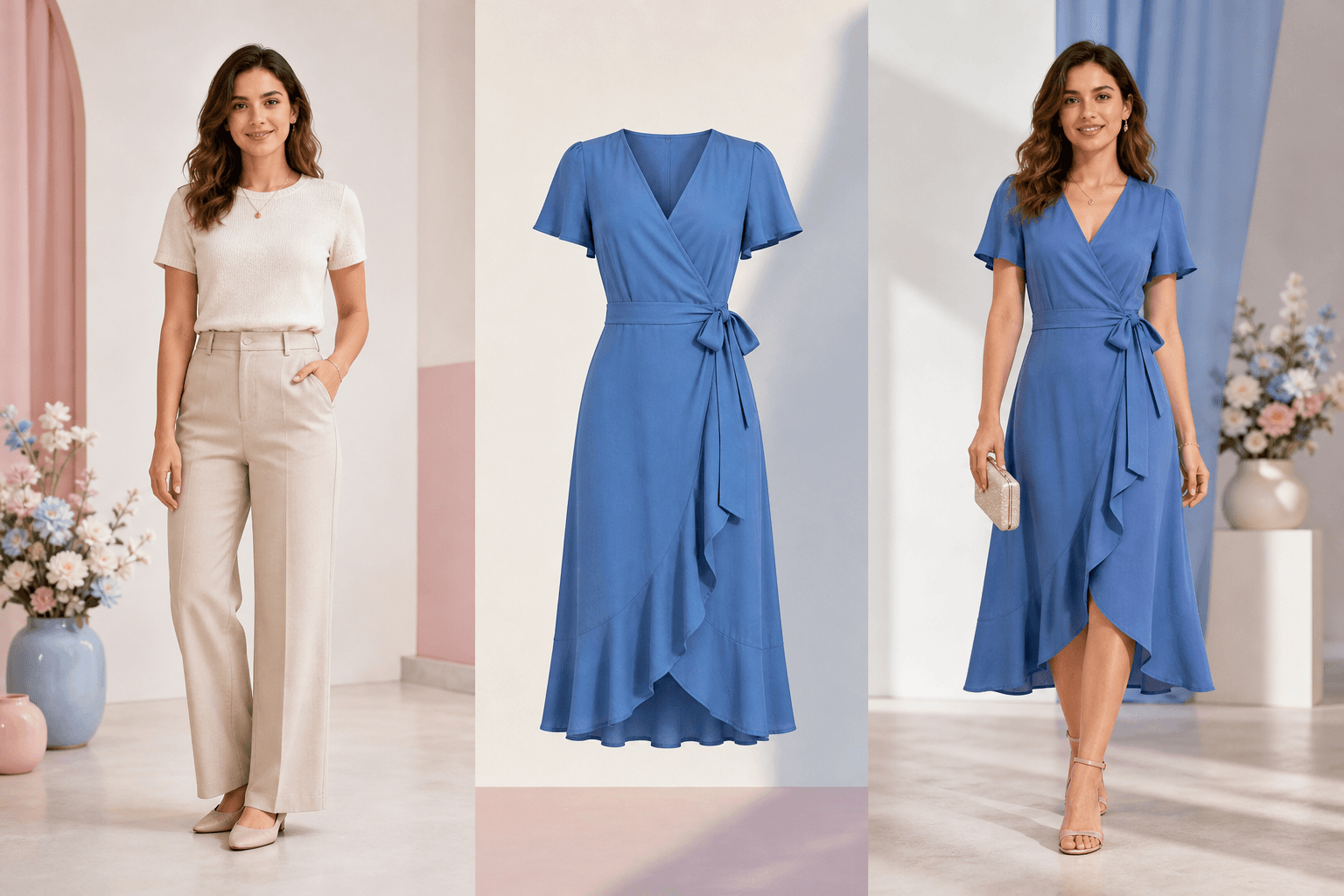
Dress decision board
Dress pages need to talk about shape, length, event context, and overlap zones before asking the user to generate.
Dress workflow
Preview the dress
A dress changes more of the visible body area, so the page focuses on hemline, overlap with arms, pose stability, and whether the occasion matches the dress shape.
Prompt examples
Dress prompts should include the shape and event. That gives the model a clearer job than simply saying 'new dress'.
Try a blue midi wrap dress for a wedding guest look, preserve the same face, pose, and background.
Preview a black evening dress with a clean A-line silhouette, keep the same body proportions and camera crop.
Apply the uploaded dress reference, keep the original face, hands, lighting, and scene stable.
Input quality
Dress limits
Hands crossing the torso can confuse where fabric should start and stop.
Cropped photos cannot reliably show maxi, midi, or mini length.
Sheer, reflective, heavily patterned, or layered fabric may be approximated.
Practical questions
It can preview dress-length directions when the photo has enough body framing, but cropped photos limit what the model can show.
Yes, if you have a clear reference image and the right to use it. Treat the result as a visual styling preview, not a size guarantee.
Dresses often cover more of the body, so pose, hands, leg visibility, and garment length affect the result more than a simple top change.
Trust
AI Clothes Changer is built for consensual outfit previews and styling decisions. The product uses private storage, charges credits only after a successful saved result, and provides support for privacy, payment, and safety questions.