
Privacy and safety
Is virtual try-on safe to use with personal photos?
The safest workflow is simple: use photos you have the right to edit, avoid sensitive images, read the retention policy, and choose tools that clearly reject non-consensual or sexualized edits.
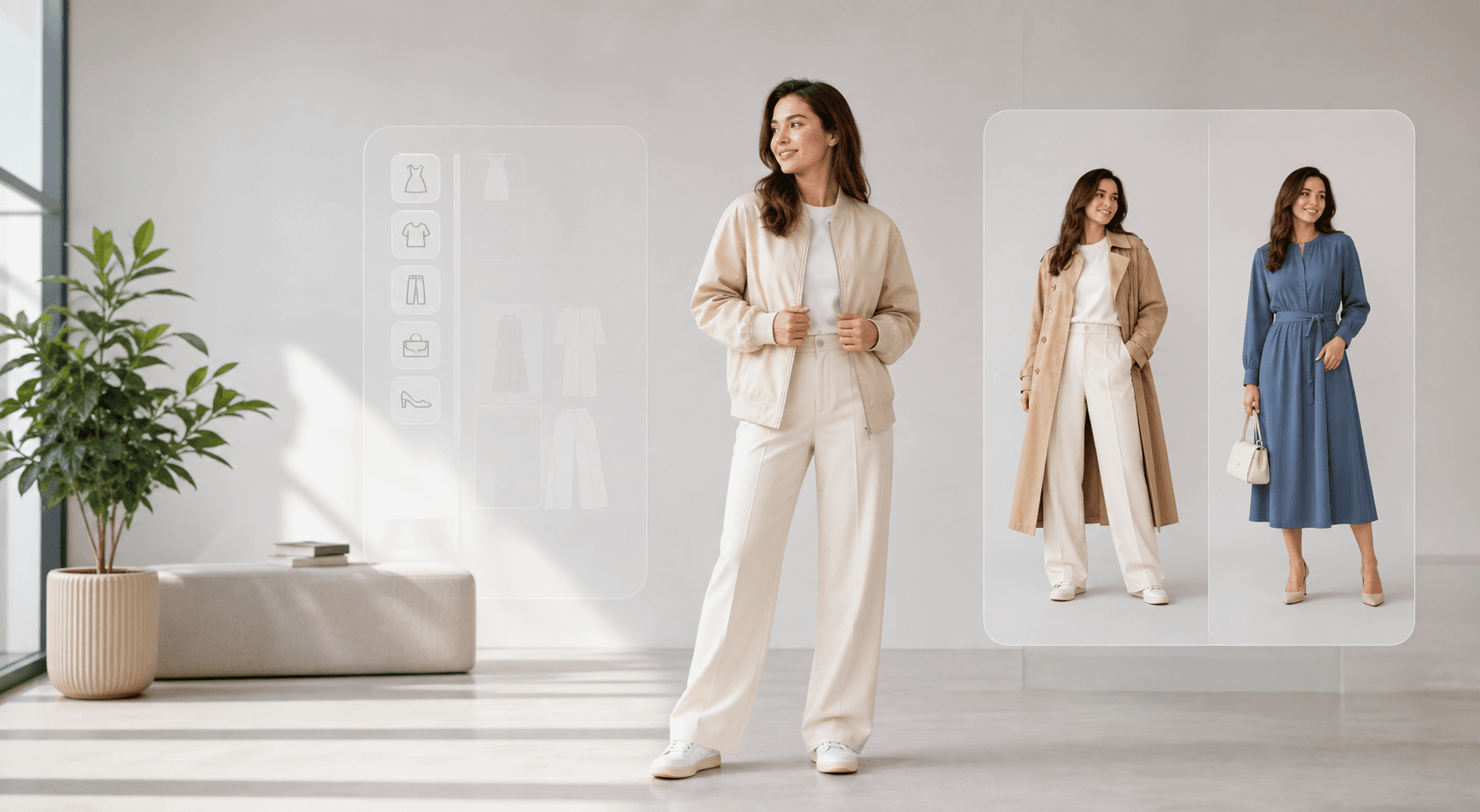
People want to understand photo privacy, consent, and whether AI clothes changing tools are connected to unsafe image edits.
Quick answer
The short version
A trustworthy virtual try-on tool should explain what uploads are used for, how long files are retained, whether results are stored in account history, and which requests are blocked. If a site hides those answers or promotes undressing, revealing, or non-consensual edits, do not upload personal photos.
- Consensual outfit previews, styling ideas, ecommerce previews, and personal shopping decisions.
- Testing clothing looks with non-sensitive images where the person understands the edit.
- Creating fashion visuals while preserving face, pose, and original scene context.
- Editing another person's image without consent.
- Sexualized, revealing, humiliating, deceptive, or identity-misuse requests.
- Uploading private images to a service that does not explain retention or deletion.
What to check before uploading
Look for plain-language privacy and safety pages. The tool should say whether images are used to generate the requested result, whether successful outputs may appear in account history, and how users can contact support about deletion or rights concerns.
- Is there a privacy policy linked from the site footer?
- Does the product explain image retention and deletion requests?
- Does it clearly reject harmful or non-consensual edits?
Why consent matters
AI clothes changing touches identity. Even a fashion edit can become harmful if it is done to someone else's image without permission, used to mislead people, or pushed into sexualized content.
How to reduce personal risk
Choose ordinary fashion photos, avoid images that reveal private locations or sensitive context, and do not upload photos of other people unless you have permission. For business use, keep product and model rights documented.
Recommended workflow
How to turn the answer into a better result.
- Pick a low-risk imageUse a normal outfit photo with no private documents, location clues, or sensitive background details.
- Check the policy pagesRead the privacy, safety, terms, and contact pages before uploading photos you care about.
- Save only useful resultsKeep the outputs you need for styling or shopping, and contact support if you need help with account history or deletion questions.
Decision checklist
Before you rely on the preview
- You own the photo or have permission to edit it.
- The image is not sensitive, private, or likely to harm someone if misused.
- The service has clear privacy, safety, and contact pages.
- The request is a fashion preview, not identity misuse or sexualized editing.
Try the workflow
Use AI clothes changing for fashion previews.
AI Clothes Changer is designed for outfit planning, garment references, and styling ideas on photos you have the right to use.
FAQ
Related questions people ask.
Should I upload photos of another person?
Only if you have the right and consent to use that image for an outfit preview. Do not use AI clothes changing to surprise, embarrass, deceive, or sexualize someone.
Are uploaded photos stored forever?
Policies vary by service. A good product should explain operational retention, result history, deletion requests, and support channels.
How do I spot an unsafe clothes changer?
Avoid tools that promote undressing, revealing edits, celebrity misuse, or hidden privacy practices. Those are strong warning signs.