
Reference images
How to choose a garment reference photo for AI try-on
Use a reference image that makes the garment shape, color, and main edges obvious. The clearer the product reference, the less the AI has to invent.
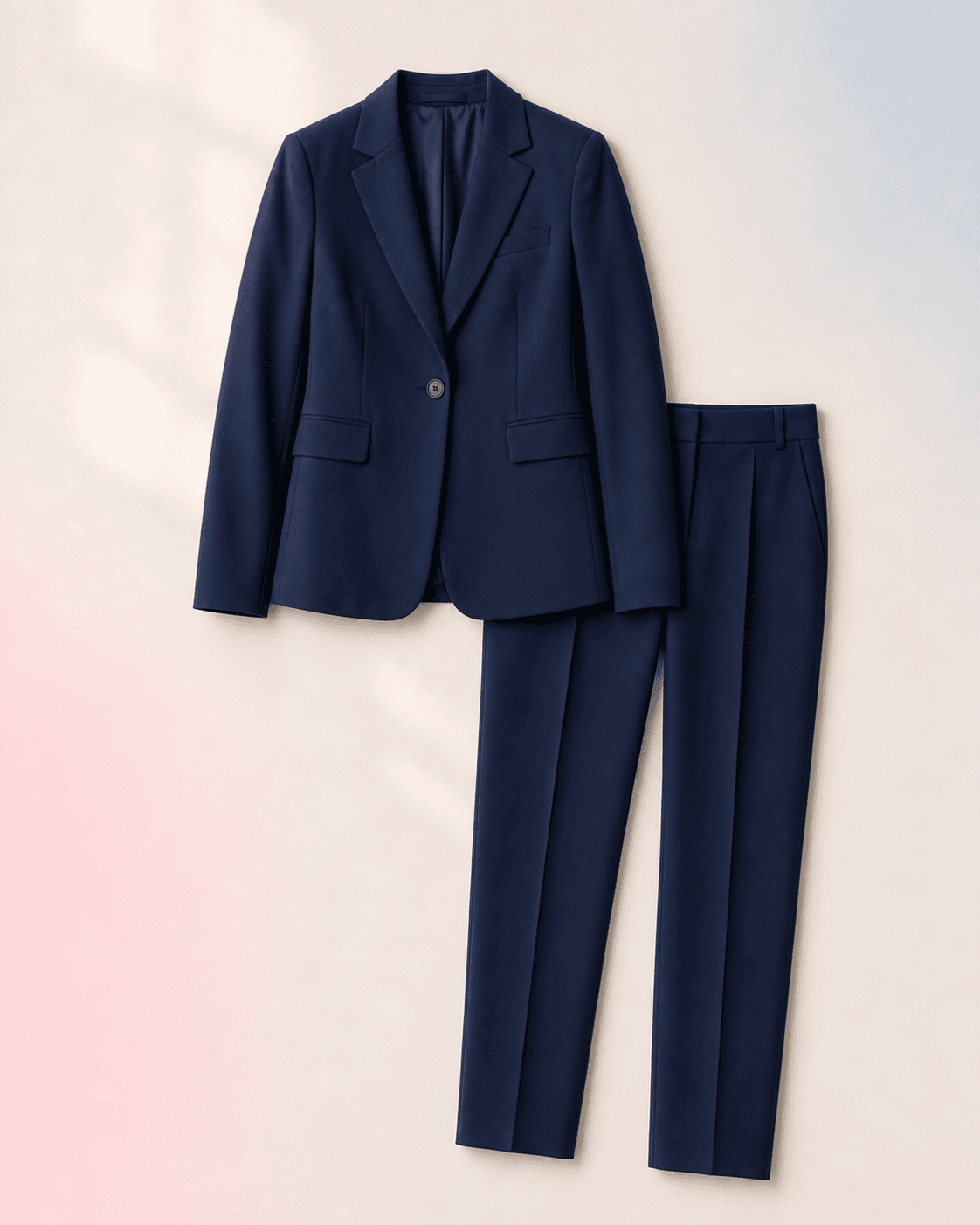
Shopping users and ecommerce sellers ask whether a product image, flat-lay, screenshot, or model-worn photo gives the most reliable AI clothes changing result.
Quick answer
The short version
A centered garment-only image or clean product photo usually works best. Flat-lays are often easier than busy screenshots. A model-worn reference can work, but it may bring in the other model's pose, lighting, and body shape as noise.
- Testing a shopping product before buying it.
- Creating a visual merchandising preview for a product direction.
- Giving the AI a stronger clothing target than a text-only prompt.
- Proving exact product authenticity or small logo placement.
- Guaranteeing fabric texture, embroidery, stitching, or buttons.
- Using a copyrighted or marketplace image beyond the rights you have.
Flat-lay and clean product photos work well
A centered item on a simple background helps the model read color, silhouette, and fabric direction. This is especially useful for shopping-oriented virtual try-on.
- Prefer one garment per image when possible.
- Avoid screenshots with badges, reviews, thumbnails, or interface text around the item.
- Use the highest-resolution product image available.
Model-worn product photos can be harder
A garment shown on another model may include a different pose, body shape, lighting setup, and background. The result can drift if the reference is not clear.
- The AI may copy pose or drape cues from the reference model.
- Lighting differences can change perceived color.
- If a model-worn image is the only source, crop around the garment as cleanly as possible.
Exact details may still vary
Small logos, buttons, text, and trims are hard to reproduce exactly. Treat the preview as a style and silhouette aid, not a product-authenticity proof.
Recommended workflow
How to turn the answer into a better result.
- Start with the cleanest product imageUse the garment image that has the least background clutter and the clearest shape.
- Pair it with a stable person photoA good garment reference still needs a person photo where the target body area is visible.
- Judge the large shape firstCheck color, silhouette, and outfit direction before judging tiny product details.
Decision checklist
Before you rely on the preview
- The product is centered and not hidden by a model's hands or pose.
- The garment color is visible in normal lighting.
- The image does not include heavy UI overlays or marketplace badges.
- You are using the reference within the rights you have.
Try the workflow
Use a product reference in the try-on tool.
Upload a person photo and a clean garment image to preview the shopping direction before you buy or publish.
FAQ
Related questions people ask.
Can I use a screenshot from an online store?
It can work, but a clean product image is better. Crop away UI, reviews, buttons, and unrelated product thumbnails before using it.
Can the AI keep the exact logo?
Not reliably. Treat logos, text, and small trims as approximate unless you manually verify and edit the final image.
Is a flat-lay better than a model photo?
Often yes, because the garment is easier to read. A model photo can still help when the garment shape is only understandable on a body.