
Input quality
What kind of photo gives the best virtual try-on result?
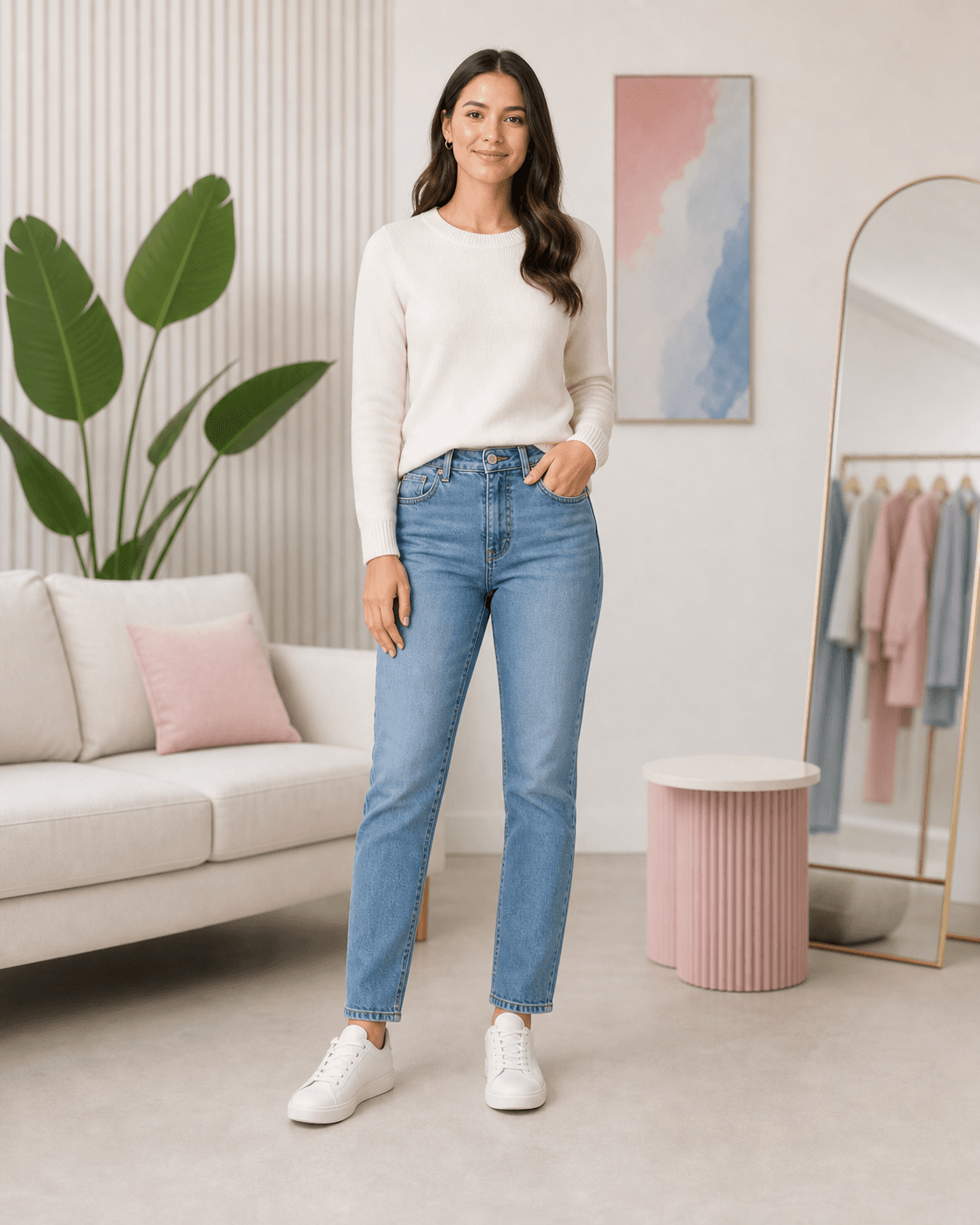
If you want the AI clothes changer to preserve identity and make a believable outfit preview, start with a photo where the face, body area, hands, and clothing boundary are easy to read.
People on Reddit and Quora often blame the AI tool first, but many failed try-on results start with cropped photos, hidden hands, low light, or unclear clothing boundaries.
Quick answer
The short version
The best virtual try-on photo is a clear front-facing or slight-angle photo with the full clothing area visible. Avoid crossed arms, heavy shadows, bags, hair covering shoulders, mirror distortions, and crops that remove the garment area you want to change.
- Trying jackets, dresses, trousers, or complete outfits while keeping the same face and pose.
- Comparing shopping ideas when you need to see silhouette and color on a real person photo.
- Creating a first preview before spending more credits on a higher-quality generation.
- Head-only selfies when the outfit needs full-body context.
- Photos where the target clothing area is hidden by arms, bags, hair, or props.
- Low-resolution screenshots with compression, blur, or strong mirror distortion.
Use enough body framing
If the output needs to show a jacket, dress, or full outfit, the input photo should show the relevant body area. A head-only selfie cannot reliably preview hemline, trouser shape, or shoe balance.
- Use full body for dresses, pants, coats, and full outfit planning.
- Use waist-up only when the requested change is limited to tops or jackets.
- Leave a little space around the body so the result does not feel cramped.
Keep the face visible
Face and hair visibility help the result stay recognizable. If identity stability matters, use a photo where the face is neither tiny nor heavily blurred.
Recommended workflow
How to turn the answer into a better result.
- Pick the simplest useful photoChoose the photo that shows the target outfit area clearly, even if it is less dramatic than another photo.
- Match framing to the garmentUse full body for dresses and pants, half body for tops, and a clean standing pose for product-reference try-on.
- Write what should stay unchangedAdd prompt constraints such as keep the same face, pose, hands, background, lighting, and camera crop.
Decision checklist
Before you rely on the preview
- The face is visible and not blurred.
- The target clothing area is inside the frame.
- Hands and props do not hide key garment edges.
- Lighting is even enough to see body and clothing boundaries.
Try the workflow
Test the photo before changing the outfit.
Upload a clear person photo and use a garment reference or template to see whether the image is good enough for a stable preview.
FAQ
Related questions people ask.
Can I use a selfie?
Yes, if the selfie shows the clothing area you want to change. For full outfits, a selfie cropped at the chest is usually not enough.
Do I need a professional photo?
No. A normal phone photo can work well if it is clear, steady, and framed around the clothing area.
Why did the AI change my body or pose?
The input may not provide enough visible structure, or the prompt may not say what should stay stable. Better framing and stricter preservation wording help.