
Privacy
What happens to photos uploaded to an AI clothes changer?
Before using any virtual try-on service, understand what your uploaded photos are used for, whether results appear in history, and how deletion or support requests work.
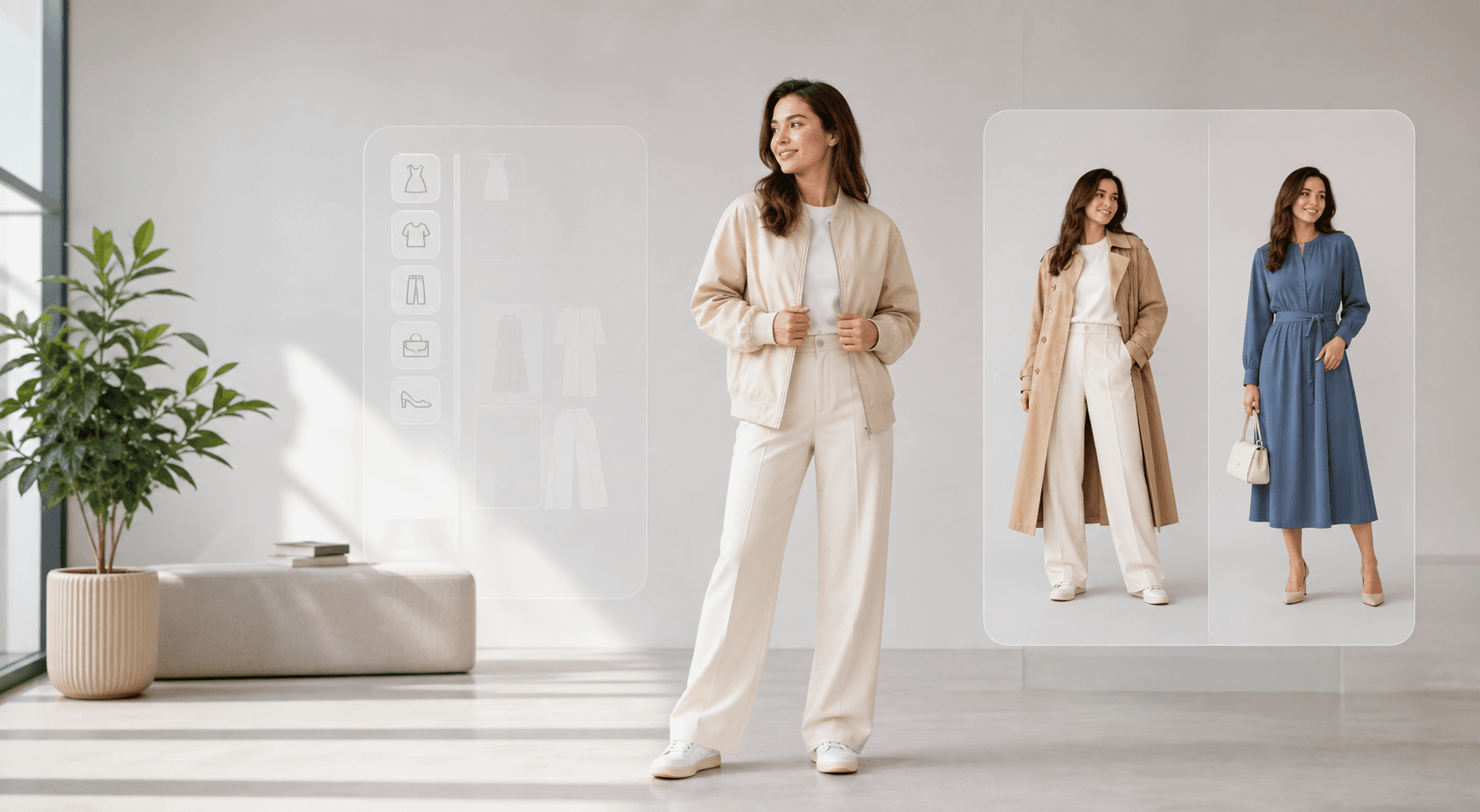
People repeatedly ask whether uploading personal photos to an AI clothes changer is safe, private, and separate from unsafe image-editing tools.
Quick answer
The short version
Uploaded person photos and garment references are used to create the outfit preview you requested. A trustworthy tool should explain retention, result history, deletion requests, safety rules, and support channels in plain language.
- Understanding how photo uploads relate to generation and account history.
- Choosing safer input photos for virtual try-on.
- Separating fashion-preview tools from unsafe image manipulation.
- Uploading another person's photo without consent.
- Using sensitive, private, or identity-risk images.
- Treating hidden policies as acceptable just because a tool is popular.
Inputs and results serve the requested generation
Uploaded person photos and garment references are used to create the outfit preview the user requested. Final successful results may remain in account history.
- Person photos provide identity, pose, and scene context.
- Garment references provide the clothing target.
- Successful results may be saved so users can revisit or download them.
Temporary files are handled separately
Input, garment, and raw provider files are designed for short retention and cleanup after they are no longer needed for operation, security, or support.
Deletion requests
Users can contact support for deletion requests, subject to legal, security, and operational limits.
Recommended workflow
How to turn the answer into a better result.
- Use photos you have the right to editConsent is the first safety boundary for any image involving a real person.
- Avoid sensitive contextDo not upload images with private documents, location clues, children, or sensitive background details.
- Read the policy pagesCheck privacy, safety, terms, and contact pages before uploading images you care about.
Decision checklist
Before you rely on the preview
- You own the photo or have permission to edit it.
- The image is ordinary fashion context, not sensitive context.
- The service explains retention, history, and deletion paths.
- The request is a fashion preview rather than identity misuse.
Try the workflow
Use AI clothes changing with safer inputs.
Choose ordinary, consensual fashion photos and keep sensitive personal context out of the upload.
FAQ
Related questions people ask.
Should I upload private photos?
No. Use normal fashion photos and avoid private, sensitive, or location-revealing images.
Can I delete generated results?
Deletion policies vary. Use the product's account, support, or contact path for deletion requests.
Is privacy different from safety?
Yes. Privacy is about handling photos and data; safety is about which edits are allowed and whether the use is consensual.